





Why Computer Basic Training and Certification?
Here are a
few facts that explain why Computer Basics Course with Certificates is in demand these
days.
#1
Skill Building: This training covers the basics of computing, from hardware to software, providing a strong foundation for further learning.
#2
Career Opportunities: Certification enhances job prospects across industries, showcasing competency and setting candidates apart in job searches.
You Should Join Our Classes If You Are:
- Interested about the world of technology and how it keeps changing?
- Passionate about releasing your creativity through visual elements and design?
- A student seeking pratical skill to kickstart your journey in the creative industry to enhance your computer abilities.
- Do you want to understand the basics of computers, like how they work and what you can do with them?
- Searching for a flexible and engaging learning with experience instructors and hands-on exercises.
- If you're excited to explore different computer programs and what you can do with them.
#3
Confidence Boost: Training instills confidence in using technology, leading to increased efficiency in tasks like file management and internet browsing.
#4
Professional Growth: Certification validates skills, aiding in career advancement and signaling commitment to personal and professional development.
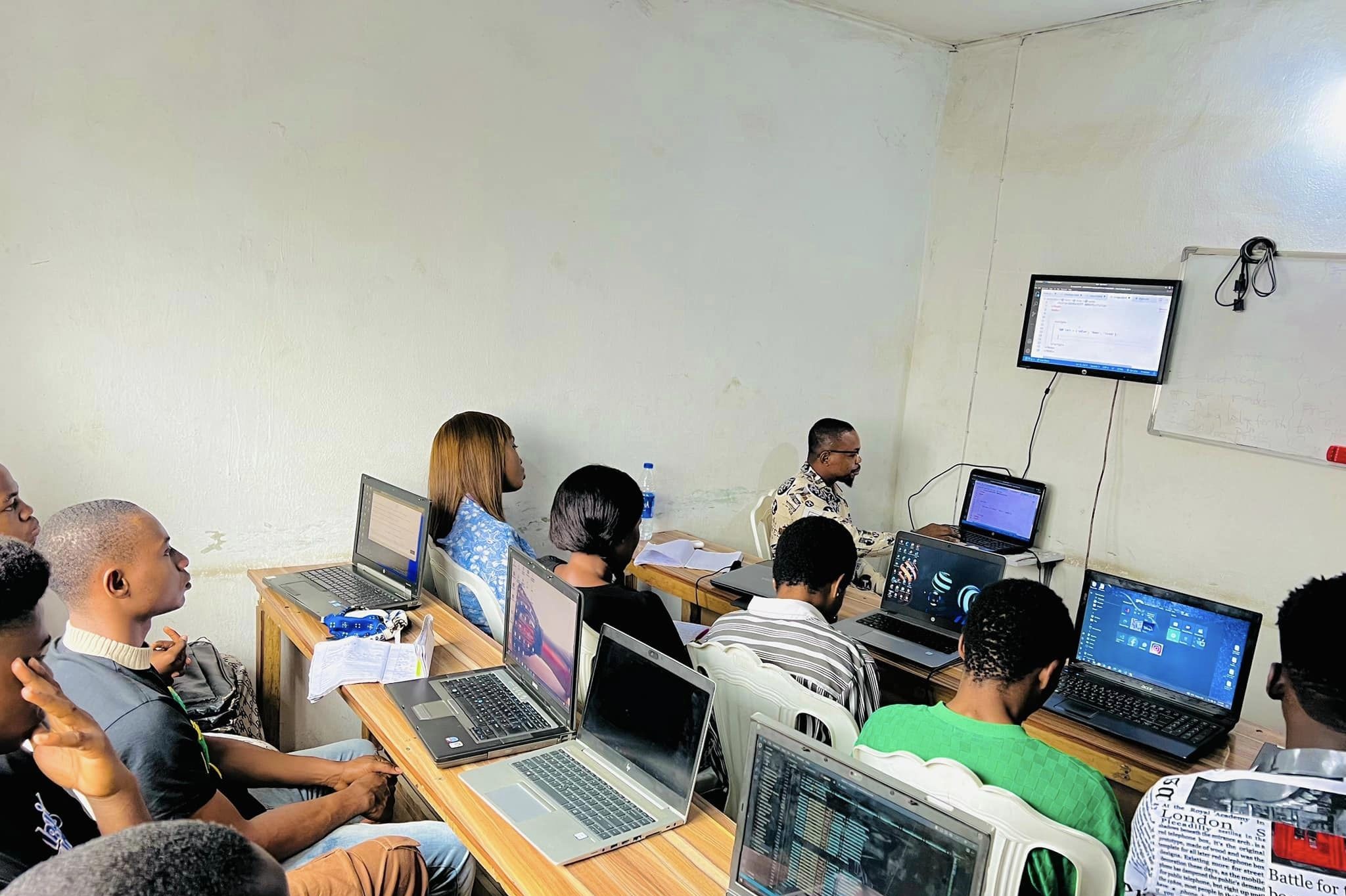
Our practical classes feature content created by leading faculty trainers and industry leaders, as well as engaging projects and assignments.

Career Counselling

Resume Feedback

Interview Preparation
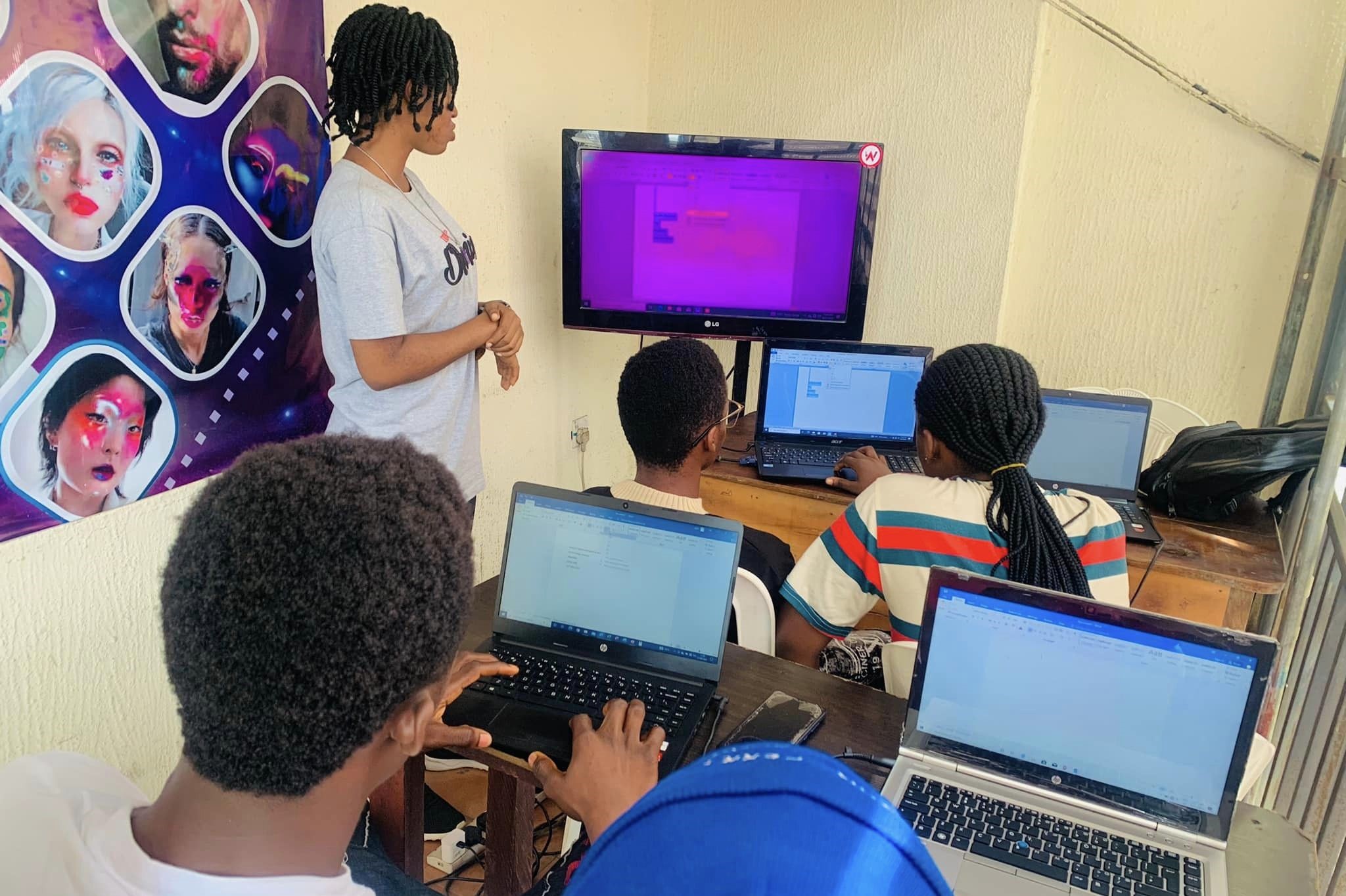
Computer Basic Corporate Training and Certification
Graphic design is a vital skill for businesses today, as visually appealing content is essential for engaging audiences. Corporate training in graphic design helps employees create professional designs for marketing materials, websites, and social media platforms.
Certification in graphic design validates an individual's expertise and commitment to professional development. It demonstrates skills and knowledge to clients or employers, enhancing credibility and marketability.
Why make a career as Computer Basic?

- Top Hiring Giants
- Industries
- Job Profiles
Become that Computer Basic Who Helps Big Giants leverage Profitable Decisions!






 E-commerce
 Travel
 Education
 Healthcare
 Government
 Finance
 Full Stack Web Developer
Front-End Developer
Back-End Developer
UI/UX Designer
Software Engineer
Web App Developer
Full Stack Web Developer
Front-End Developer
Back-End Developer
UI/UX Designer
Software Engineer
Web App Developer
Why Learn at Webdeves?
Here are four reasons why one should consider learning at Webdeves:
At Webdeves Academy, we use industry-validated curriculum to ensure that our students are equipped with the most relevant and up-to-date knowledge and skills required in the digital industry. Our course content is tailored to meet the demands of the industry, and we work with industry experts to continually review and update our curriculum.
Our instructors are experienced professionals who have a wealth of knowledge and expertise in their respective fields. They are committed to helping our students succeed and are always available to provide support and guidance throughout the learning journey.
We offer flexible learning options that cater to different learning preferences and schedules. Our students can choose to learn online or onsite, and we offer both full-time and part-time programs to fit into their busy schedules.
We provide our graduates with internship and job placement opportunities to help kickstart their career in the digital industry. Our graduates have gone on to work for top companies and organizations, and we are proud to have played a role in their success.
Still unsure which career path to choose?
Our Testimonials
What our Students have to Say?

Precious, Web Developer
I was impressed by the course's curriculum, which was up-to-date with the latest technologies and trends in the industry. I would recommend Webdeves Academy's Front-End Web Development course to anyone interested in pursuing a career in web development.

Christain, Front-End Developer
Webdeves's Front-End Web Development course was the best investment I made for my career. The skills I learned have made me more employable and opened up new job opportunities.

Favour, Web Developer
The course was challenging but rewarding. I appreciated the personalized attention I received from the instructors, and the collaborative environment helped me learn from my peers.

Emmanuel, Front-End Developer
I loved the practical approach of the course, which gave me hands-on experience building web applications. The course was also flexible, allowing me to learn at my own pace.

Mercy, Financial Front-End Web Developer
I had no prior experience in coding, but the Front-End Web Development course at Webdeves Academy made it easy for me to understand the concepts. The instructors were knowledgeable and patient, and the hands-on experience helped me gain confidence in my abilities.
Roadmap for Computer Basic Training Course
Below is the syllabus for our Computer Basic course, which covers real-world industry projects and is taught by experienced trainers.
-
Month 1
Introduction to Graphic Design, The fundamentals of graphic design, which includes design principles, color theory, typography, and layout.
-
Month 2
Advanced Techniques, Design History, Learning outcomes, Industry period, modernism. You as a Designer.
-
Month 3
Introduction to Photoshop Interface, Layout and Composition, Design Basic, Photo editing, Typography and Colors.
-
View more
Photoshop Projects / Practical Class
- Designing of Front and Back Business card
- Letterhead Design
- Branding
- ID cards design
- Social Media Designs
- Mock Up and 3D
Introduction to HTML, HTML5 and Advanced HTML, Introduction to CSS, Advanced CSS Topics
- Introduction to web development and HTML
- HTML document structure and syntax
- HTML tags and attributes
- Creating links and adding images to web pages
- Tables and forms in HTML
- Introduction to HTML5 and its new features
- Semantic HTML5 elements
- Audio and video tags in HTML5
- Responsive web design with HTML5 and CSS3
- Creating and styling lists in HTML
- Accessibility in HTML
- Best practices for writing clean and semantic HTML code
- Web optimization techniques for HTML
- Creating HTML email templates
- Embedding social media content in HTML & many other topics
- Introduction to Cascading Style Sheets (CSS)
- CSS syntax and basic selectors
- Using CSS for text formatting, colors, and backgrounds
- CSS Box Model and positioning
- Creating layouts with CSS
- Understanding the CSS cascade, specificity, and inheritance
- Advanced CSS selectors and pseudo-classes
- Responsive web design with CSS media queries
- Flexbox and CSS Grid Layout
- CSS Animations and Transitions
- Organizing CSS code with a CSS preprocessor (e.g. Sass)
- Cross-browser compatibility and vendor prefixes
- Performance optimization with CSS
- Best practices for writing clean and maintainable CSS code
- Final project: building a responsive web page using CSS
Introduction to Bootstrap, Bootstrap Components, Advanced Bootstrap Topics, Bootstrap Best Practices and Project
- Introduction to Bootstrap and its features
- Downloading and installing Bootstrap
- Understanding the Bootstrap grid system
- Creating responsive layouts with Bootstrap
- Styling with Bootstrap CSS classes
- Using Bootstrap components like navbar, carousel, modal, and accordion
- Customizing Bootstrap components
- Creating forms with Bootstrap form elements and validation
- Adding icons and fonts to Bootstrap
- Project: Building a simple website with Bootstrap components
- Bootstrap utility classes and responsive utilities
- Using Sass with Bootstrap for customization
- Styling tables, buttons, and forms with Bootstrap
- Integrating Bootstrap with JavaScript frameworks like React and Angular
- Project: Building a web application using Bootstrap and JavaScript
- Writing clean and maintainable Bootstrap code
- Best practices for using Bootstrap in large-scale projects
- Testing and debugging Bootstrap code
- Final project: Building a complete responsive website or web application using Bootstrap and other technologies learned in the course.
- Introduction to programming concepts and JavaScript fundamentals
- Variables, data types, and operators
- Conditional statements and loops
- Functions and scope
- Debugging JavaScript code
- Understanding the Document Object Model (DOM)
- Accessing and manipulating DOM elements with JavaScript
- Responding to user events with JavaScript
- Creating and removing HTML elements dynamically with JavaScript
- Project: Creating a dynamic webpage with JavaScript
- Introduction to jQuery and its features
- Using jQuery for DOM manipulation and event handling
- Introduction to React and its features
- Building user interfaces with React components
- Project: Building a web application with jQuery or React
- Introduction to asynchronous programming and callbacks
- JavaScript Promises and async/await
- Making API requests with JavaScript
- Error handling and debugging asynchronous JavaScript
- Project: Building a web application that consumes data from a RESTful API
- Object-oriented programming with JavaScript
- Closures and prototypes
- Using regular expressions in JavaScript
- JavaScript debugging tools and techniques
- Project: Building a JavaScript game or interactive application
- Writing clean and maintainable JavaScript code
- JavaScript code optimization and performance
- Introduction to testing frameworks and unit testing in JavaScript
- Final project: Building a complete web application using all the technologies learned in the course.
Course Curriculum
Get the Complete Course Curriculum

FAQs On Computer Basic
The basic components of a computer include the central processing unit (CPU), memory (RAM), storage (hard drive or SSD), input devices (keyboard and mouse), output devices (monitor), and motherboard.
An operating system (OS) is software that manages computer hardware and provides common services for computer programs. Examples include Windows, macOS, and Linux.
o protect your computer from viruses and malware, install antivirus software, keep your operating system and software up to date, be cautious of email attachments and downloads from unknown sources, and use a firewall.
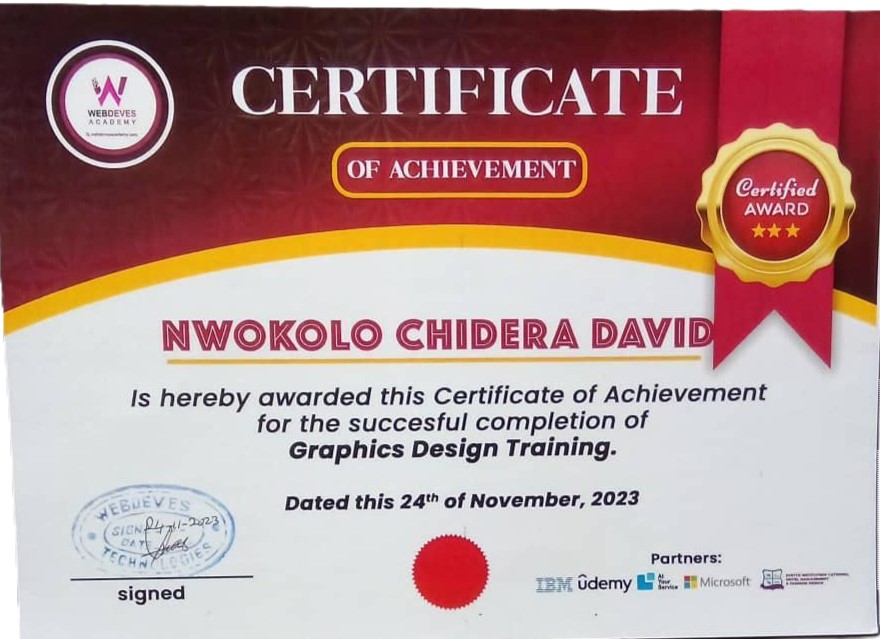
Yes, upon successful completion of the course, you will receive a certificate from Webdeves Academy indicating that you have completed the Computer Basic course. This certificate will serve as a valuable addition to your resume and can help you stand out in a competitive job market.
Hardware refers to the physical components of a computer that you can touch, such as the CPU, memory, and hard drive. Software, on the other hand, refers to the programs and applications that run on the hardware, such as operating systems and word processors.
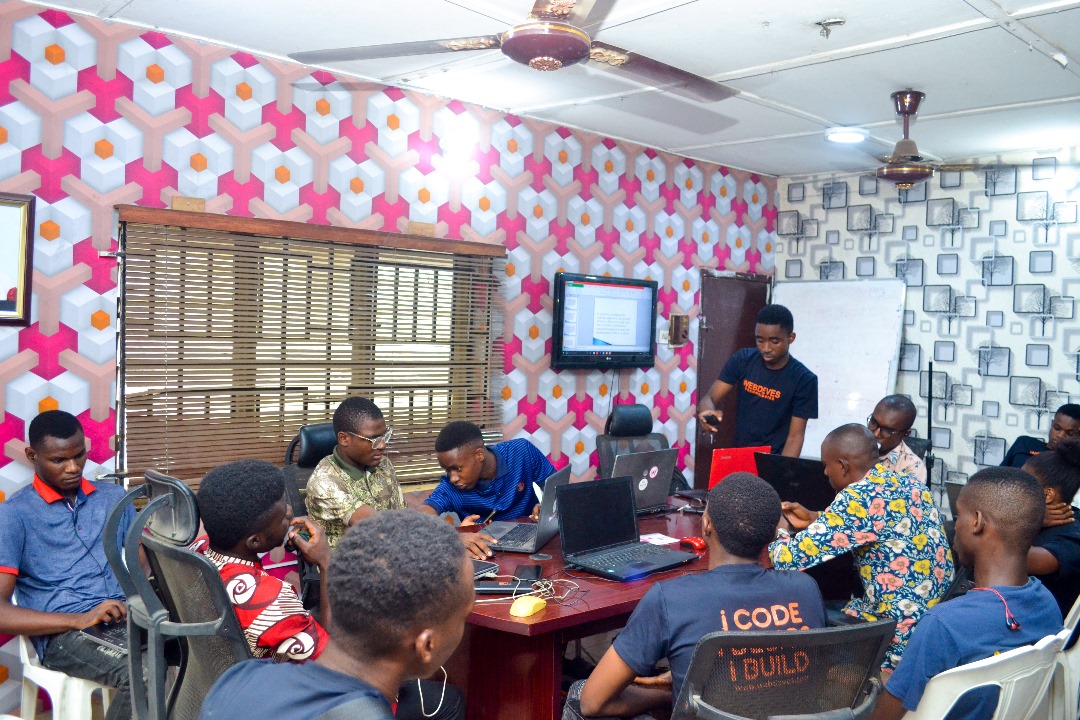
Limited Seats Avaliable
Are you eager to delve into the realm of computers and unlock their potential? Look to Webdeves's Computer Basics course for a solid foundation!
Our course is tailored to introduce you to the essentials of computing and elevate your proficiency. Whether you're a novice or seeking to refine your current skills, our program equips you with the necessary tools to navigate data and make informed decisions.
Explore an array of topics that form the backbone of computer literacy.
Need Further Information - Just Write to Us
Related Courses
On-Demand skills that you might be interested in.

Full Stack Web Development
The course is tailored for individuals interested in pursuing a career in Full Stack Web Development, as well as professionals looking to upskill in this field. Students will be introduced to various Full Stack Web Development tools and techniques, including data mining, statistical analysis, and machine learning.
Project Management
The course covers various project management methodologies, including Agile, Scrum, and Waterfall, and includes practical exercises to help learners apply their knowledge in real-world scenarios.



Isaac, Full Stack Web Developer
The course was well-structured and covered all the essential components of Front-End Web Development. I was able to apply what I learned in real-world scenarios and build functional web applications